

Seams Manual
Need help or just getting started? Take a look at our guide and find out how you can optimize the platform.

Our Guide
Use the steps below to use SEAMS with full confidence and clarity. Each tab is designed to help you navigate the platform smoothly and understand how every tool works.
Manual
AGENTS
This guide helps agents streamline client management, organize requests, and maximize efficiency with SEAMS.
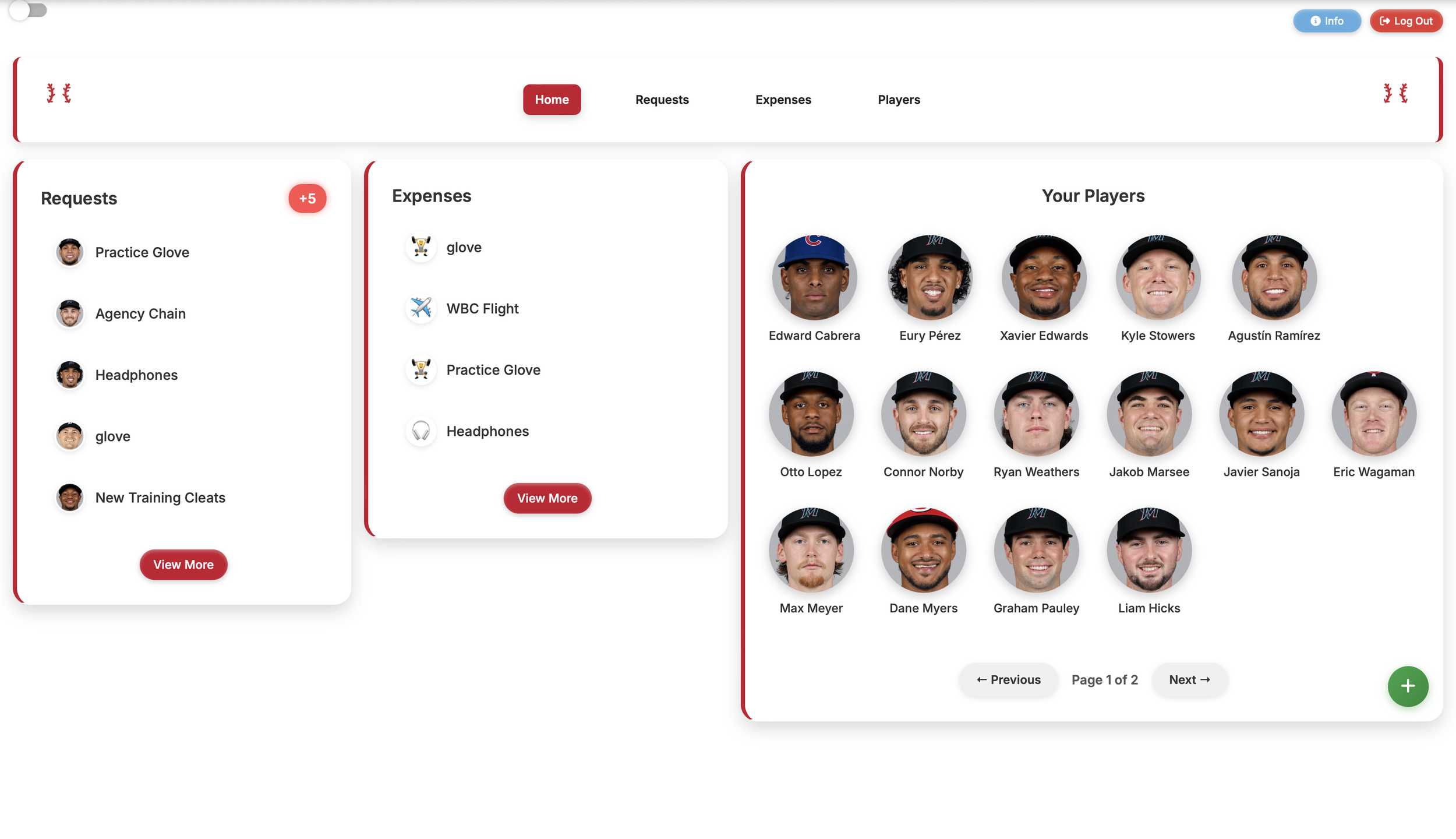
To add a player, simply click the green plus button in the bottom right corner and we will send an invite to them via email.
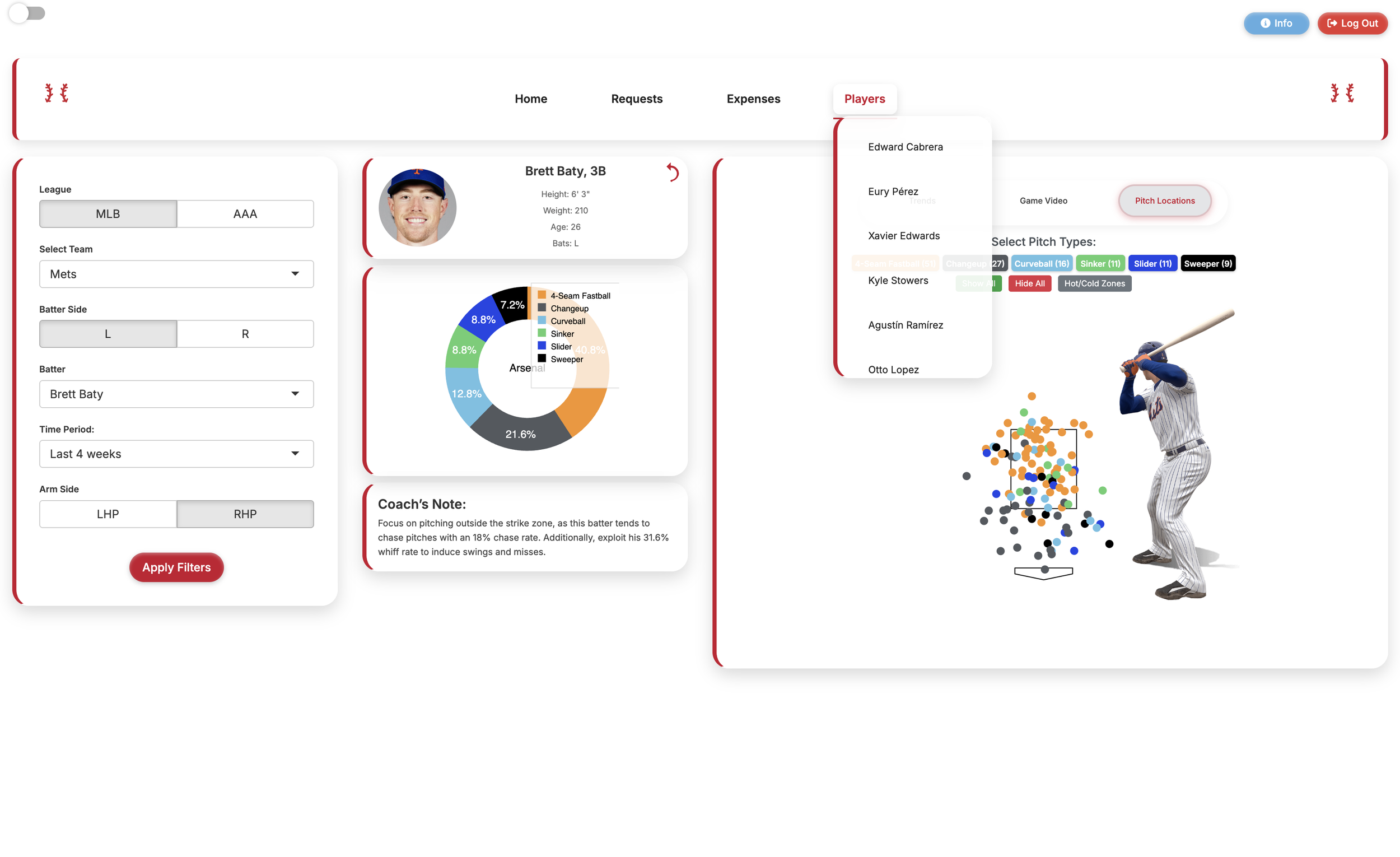
Either click on your player from the Home page or scroll through the dropdown under Players. You will be taken to the player analytical dashboard. Coming soon, profiles for each player where agents can store all necessary information about a player in one place.
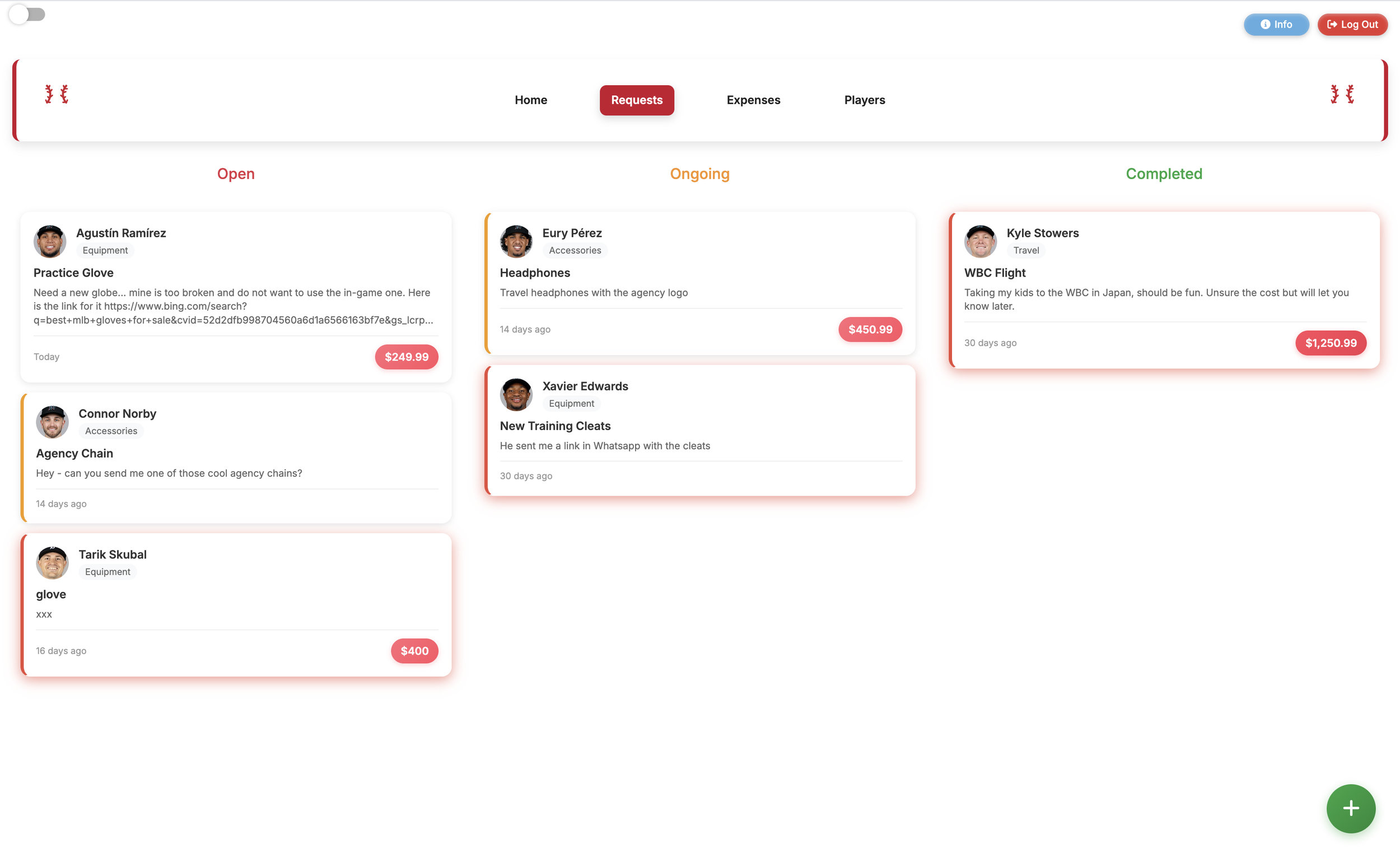
Under the Requests tab, all requests from players will show up in a three step process. These requests are categorized by travel, equipment, or accessories. Move requests from Open to Ongoing to Completed, and players get automatic emails notifying them through the process.
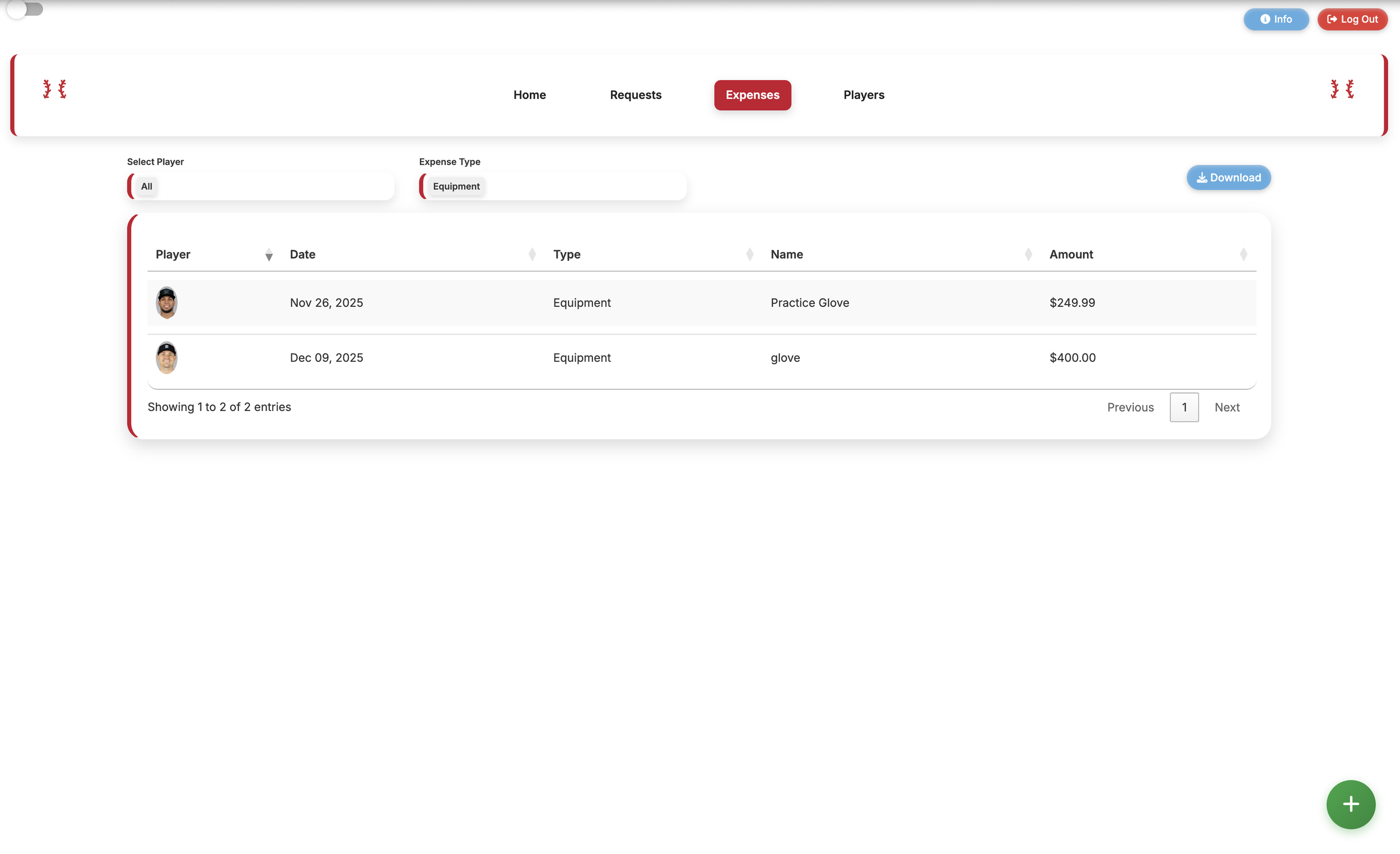
Here, expenses can be sorted and categorized by type or by player using the 2 tabs above the sheet. Download a usable CSV with the download button.
PLAYERS
This guide helps players confidently navigate SEAMS to communicate with their agent and use the resources to become a better player.
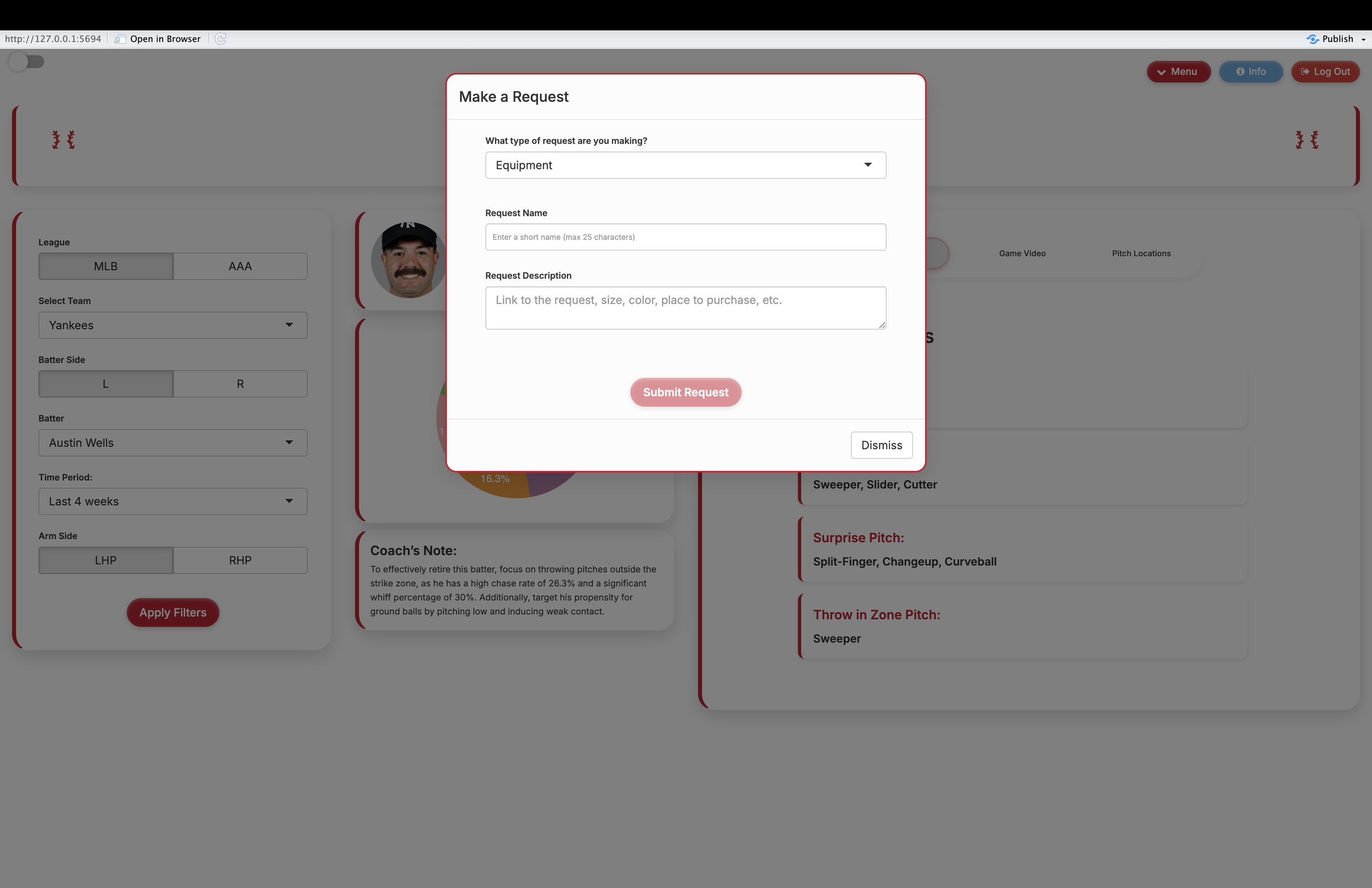
To make or view a request, navigate to the menu tab in the top right, and select from the dropdown.
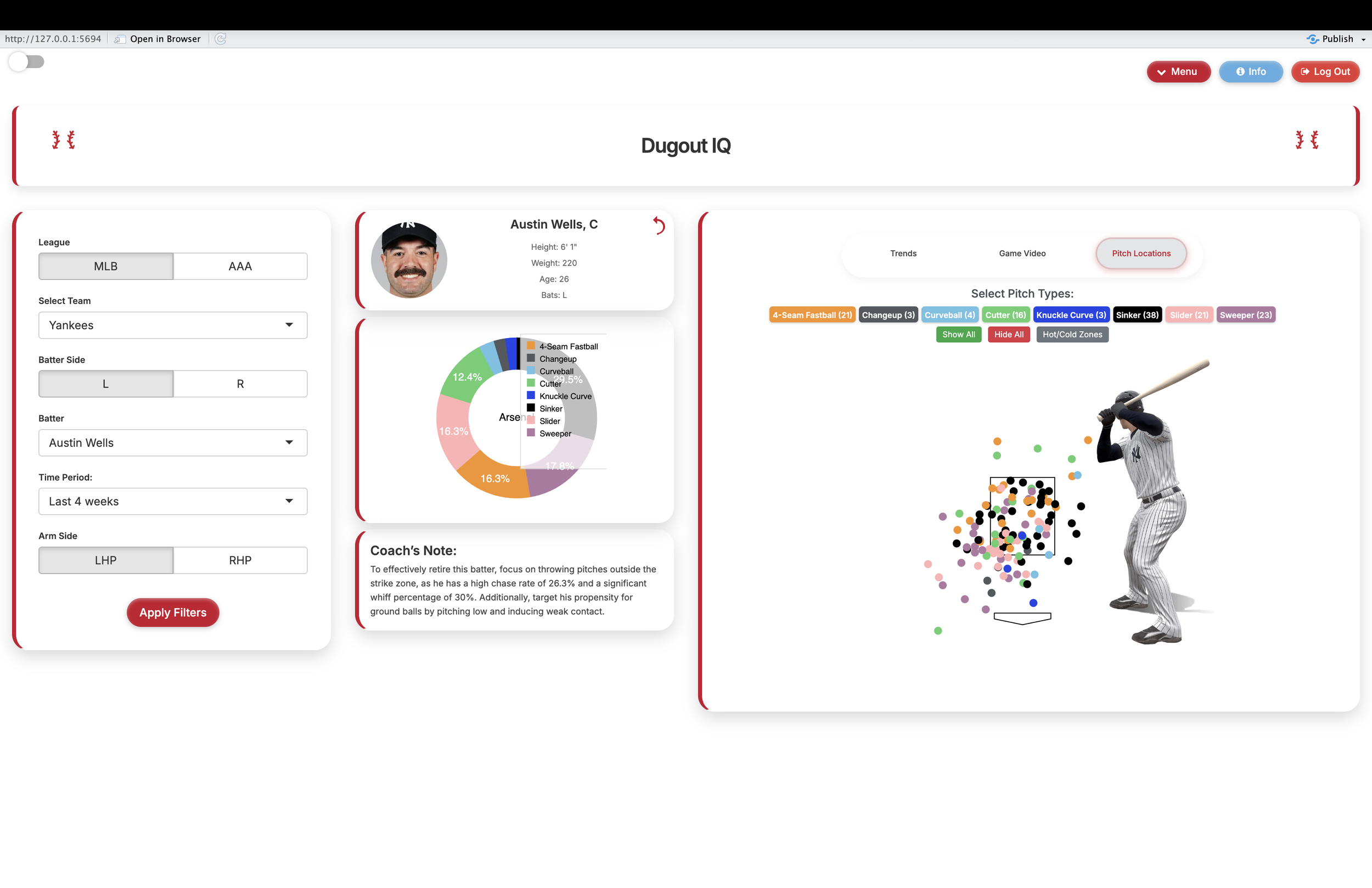
Use the tab on the left to find any hitter or pitcher and their stats over a specific timeframe. Watch film on the Game Video tab to prepare for your matchup.
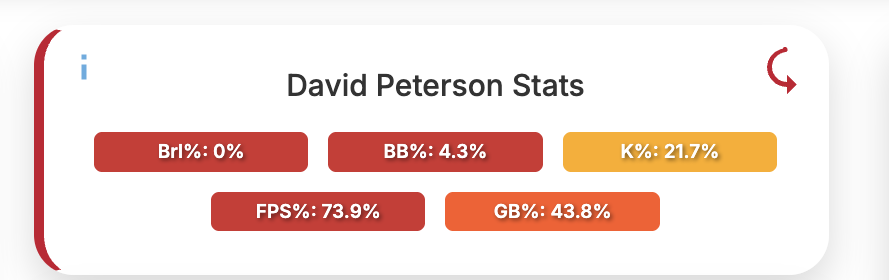
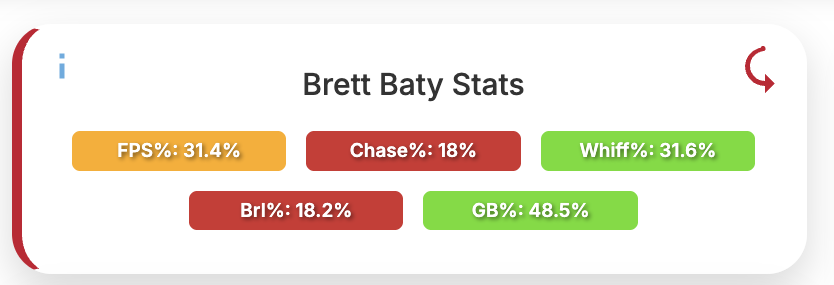
Flip over the player card to see stats on the player. Across pitchers and hitters, Barrel Rate and Ground Ball Rate are both used. Hitters have Chase Rate, Whiff Rate, and First Pitch Swing Percentage. Pitchers have First Pitch Strike Percentage, and then K Rate and Walk Rate.
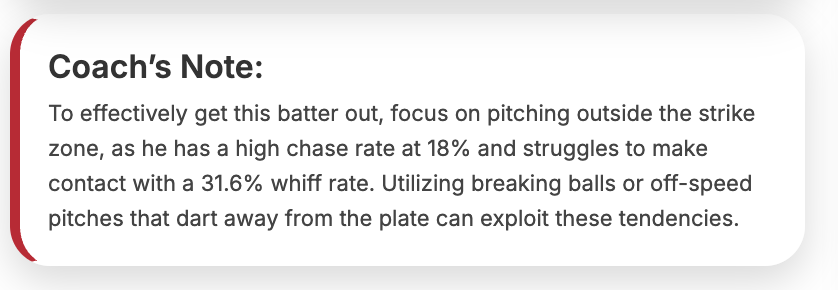
From the stats, get a personalized note that tells you how to beat the batter. AI is used, pulling the most important factors from our database to give you insights to win.
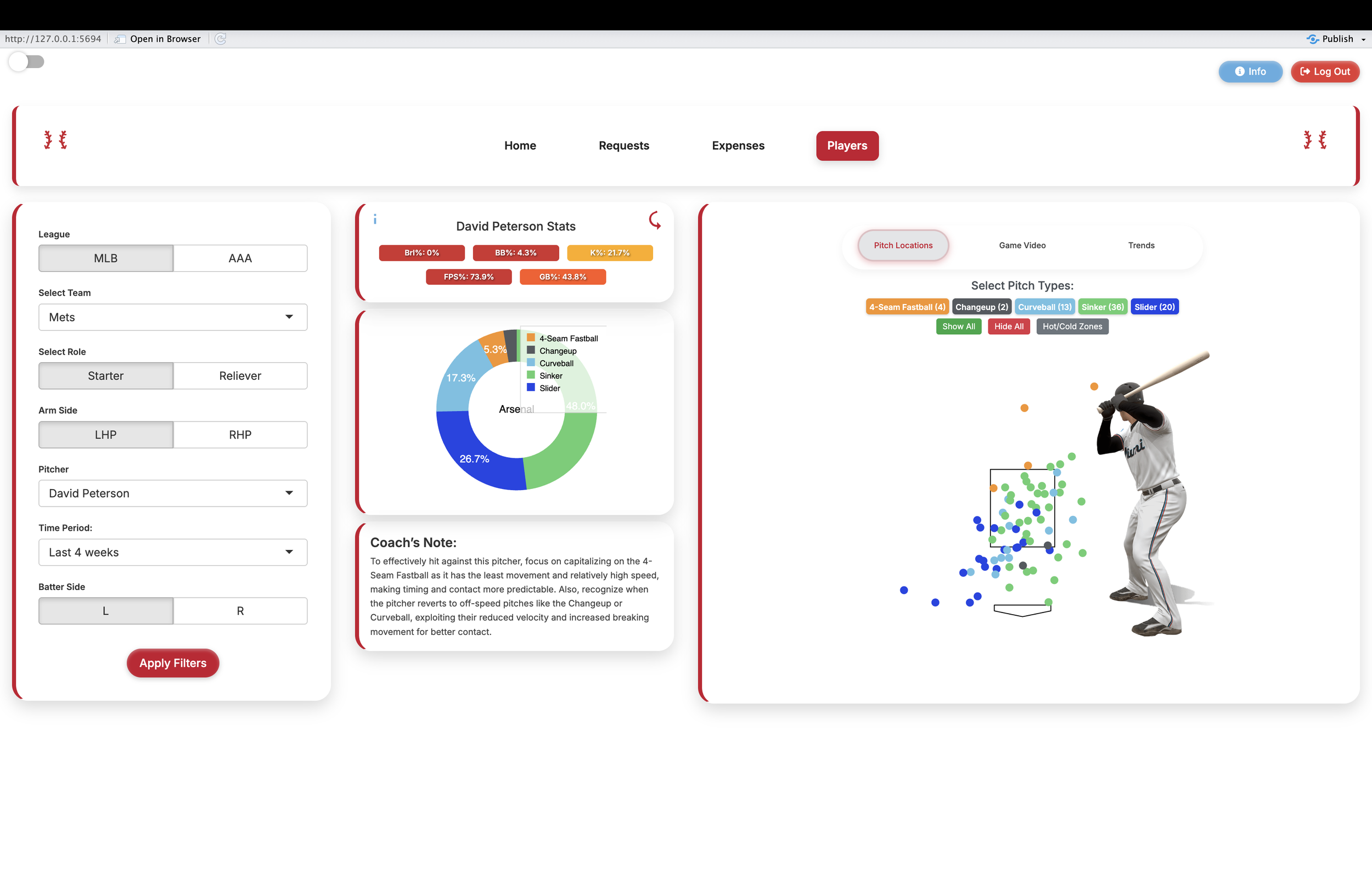
Arsenal shows a pitcher's repertoire and percentages, while for hitters it shows pitches faced. This is the same with the pitch locations tab. Click on the pitch names to filter in and out and see where pitches are being thrown.

Further Questions?
If you have additional questions, please contact us and we will be happy to answer them.